Digital Images
Resize Digital Images
Digital images can be stored in many different files in FrameReady. Use these steps to resize them to more manageable dimensions where the use less storage space.
-
Digital images can often have large file sizes. When added to FrameReady, they can inflate your database files and consume extra storage space on the hard drive.
-
FrameReady 12.2.2 and higher can help you resize images to 600Kb in size to help keep your database size manageable.
-
Use the Resize button to scale the image down to a useful size for storage.
How to Resize a Digital Image in FrameReady
This feature can be found in:
-
Price Codes > Image tab
-
Products > Image tab
-
Contacts > Artists tab
-
Work Order > Picture tab
-
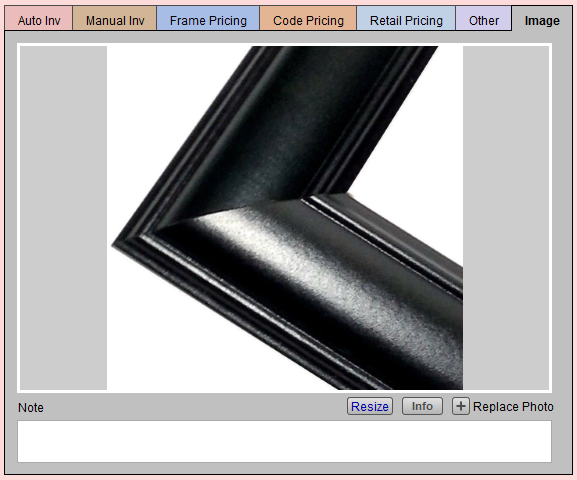
Click Add a Photo to import a digital image, or drag and drop the image onto the grey area.
-
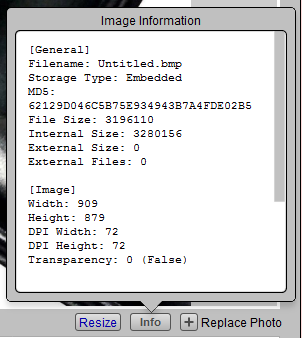
Click the Info button for general image information, including the file size.
-
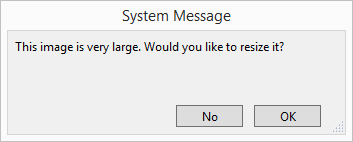
Use the Resize button to scale the image down to a useful size for storage.
-
In this instance, the original photo was 3,196,110 bytes (or 3 MB). After resizing, the image is 405,709 bytes (or less than half a MB).
-
You may use the Note field for things such as moulding is prone to flaws, wax finish is hand rubbed.
Tip: To delete an unwanted image, click on the image and press the Delete or Backspace key on your keyboard, or right-click the image and choose Cut.
